
There are a number of ways to obtain performance stats from NetScaler and one of the most common methods is outlined below
Use PuTTY to connect to the management IP of the NetScaler and run the below commands via CLI
Core System Statistics
Overall System Performance
Basic System Stats
stat system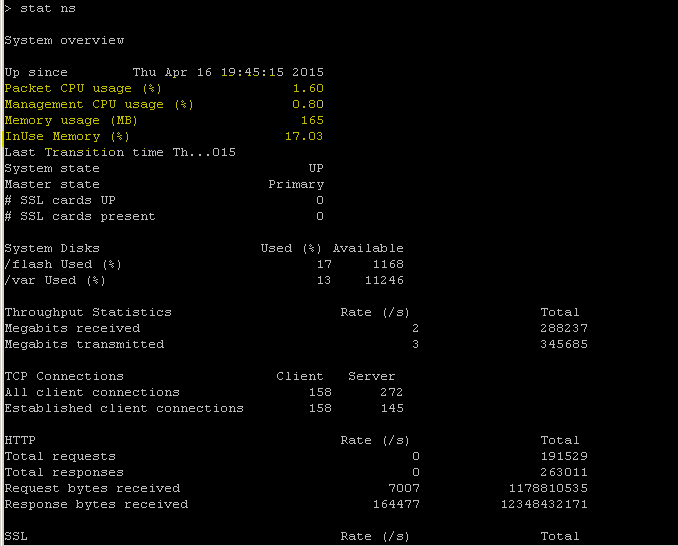
Detailed System Stats
stat system detail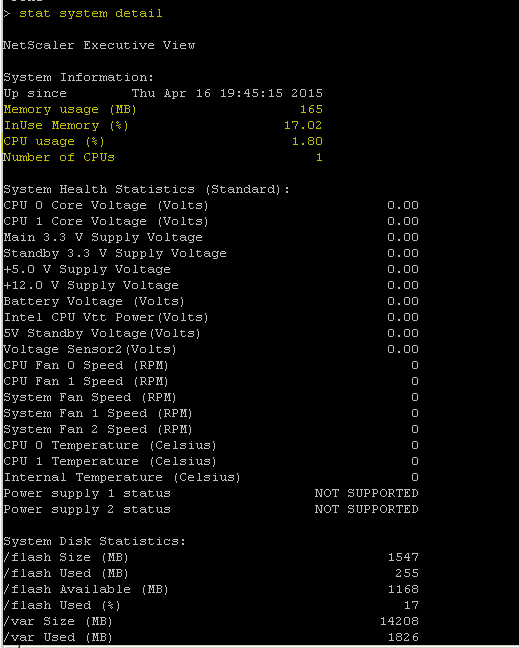
Detailed CPU usage
stat cpuMemory statistics
stat ns memoryHardware statistics
sh ns hardwareVirtual Server Statistics
Load Balancing vServer Stats
All LB vServer statistics
stat lb vserverSpecific LB vServer statistics
stat lb vserver <vserver_name>Detailed statistics
stat lb vserver <vserver_name> -detailSummary of vServer statistics
show lb vserver <vserver_name> -summaryContent Switching vServer Stats
All CS vServer statistics
stat cs vserverSpecific CS vServer statistics
stat cs vserver <vserver_name>Detailed CS vServer stats
stat cs vserver <vserver_name> -detailService and Service Group Statistics
All service statistics
stat serviceSpecific service statistics
stat service <service_name>Service group statistics
stat servicegroup <servicegroup_name>Monitor service bindings
stat lb monitor <monitor_name>Protocol-Specific Statistics
SSL Statistics
Overall SSL statistics
stat sslSSL vServer statistics
stat ssl vserver <vserver_name>SSL parameters
show ssl parameterHTTP/TCP Statistics
HTTP statistics
stat httpTCP statistics
stat tcpHTTP compression statistics
stat cmp
stat cmp policy
Network Statistics
Interface Statistics
Interface statistics
stat interfaceSpecific interface statistics
stat interface <interface id>Network statistics
stat nsACL statistics
stat aclAAA and Authentication Statistics
Authentication Stats
AAA statistics
stat aaaAuthentication statistics of vServer
stat authentication vserver <vserver name>
#shell
#nsconmsg -s ConLb=2 -d oldconmsg
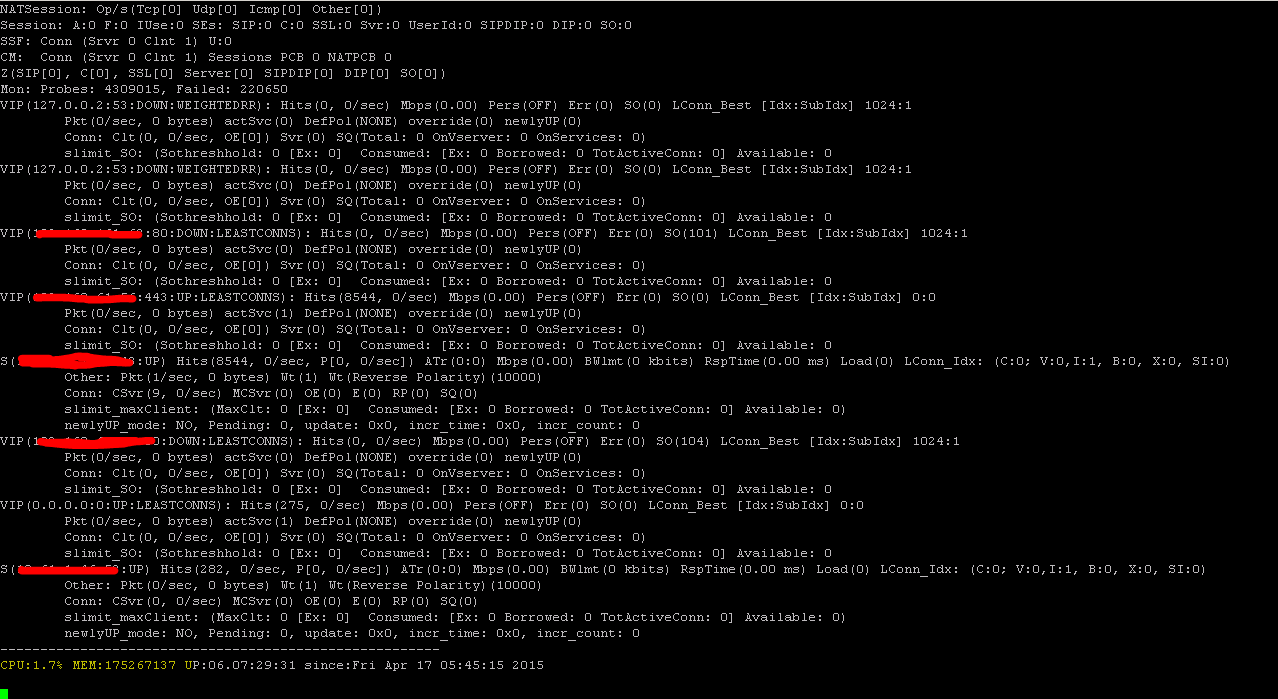
Please note that ConLb=2 is case sensitive.
-s ConLb=2 is a detail level for load balancing statistics
-d oldconmsg is display statistical information
You can press CTRL +C to end the live statistics screen.
 Citrixology
Leave a Reply